Why Google “dinosaur mods” doesn’t work the same on Bedrock
Java dinosaur mods need a mod loader (Forge, Fabric, NeoForge) and often a huge dependency stack. Bedrock Edition uses behavior + resource packs instead. Consoles lock you into Marketplace or Realms-approved content — random “free dinosaur mod APK” sites are a common malware vector.
So if you searched “minecraft dinosaur mod pe,” “tame t-rex bedrock,” or “jurassic minecraft xbox,” you’re looking for Marketplace dinosaur content, not a CurseForge zip.
How to get dinosaurs on Bedrock (safe path)
- Open Minecraft Bedrock → Marketplace (or use a Partner link from a trusted site).
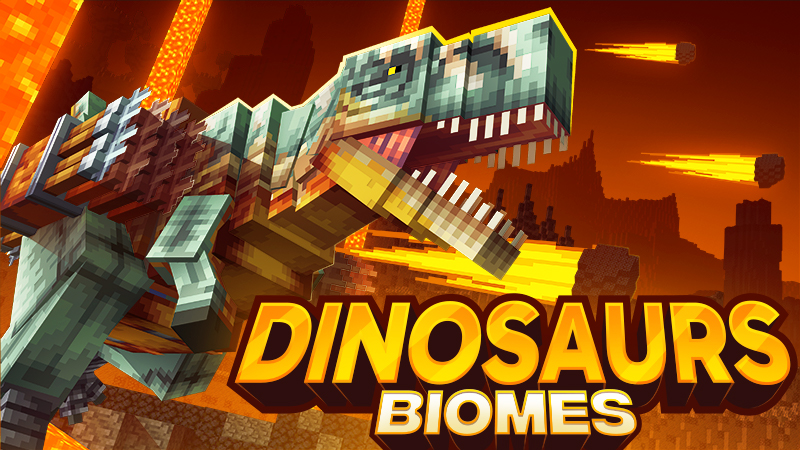
- Search a dinosaur pack such as Dinosaur Biomes by Teplight.
- Buy / download with Minecoins, then open the included world or enable the packs.
- Tame and ride dinos, craft Jurassic gear, explore the custom biomes.
Prefer free community add-ons on Windows/Android? Use only files you trust, and follow our Bedrock add-ons install guide. Consoles generally can’t sideload those.
FAQ
Do dinosaurs work on Realms?
If the pack is Marketplace-owned and Realms allows that content type for your world, yes — everyone on the Realm needs access to the same Marketplace purchase rules Mojang applies. Check the listing’s multiplayer / Realms notes in-game.
Is this the same as Java JurassiCraft?
No. Different engine, different creatures, different install path. Marketplace packs are the Bedrock-shaped substitute, not a port of a specific Java mod.